Chess
Chess for two players at one board: play to checkmate, with a friend across the table - there is no computer opponent.
Chess
Screenshots
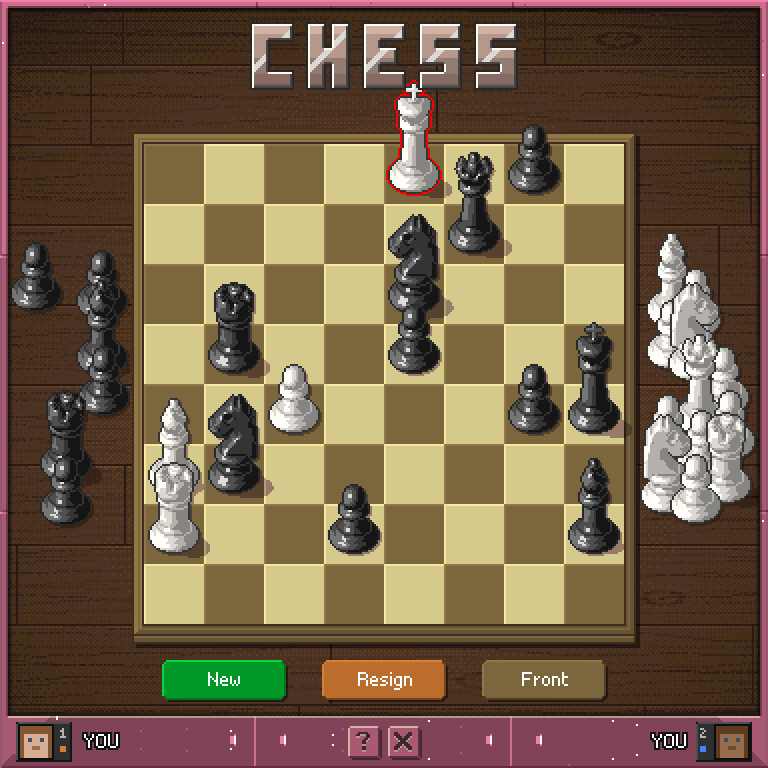
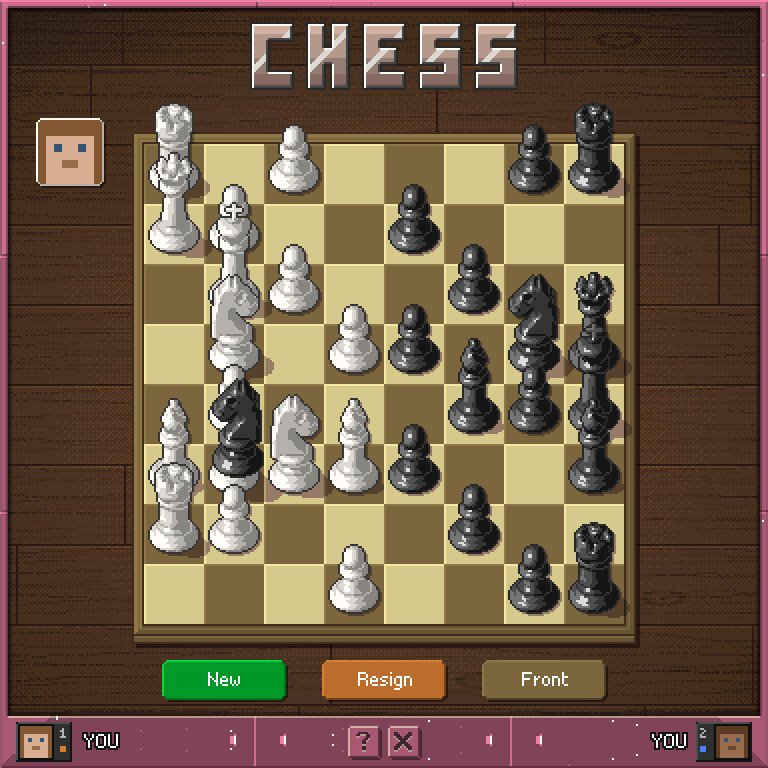
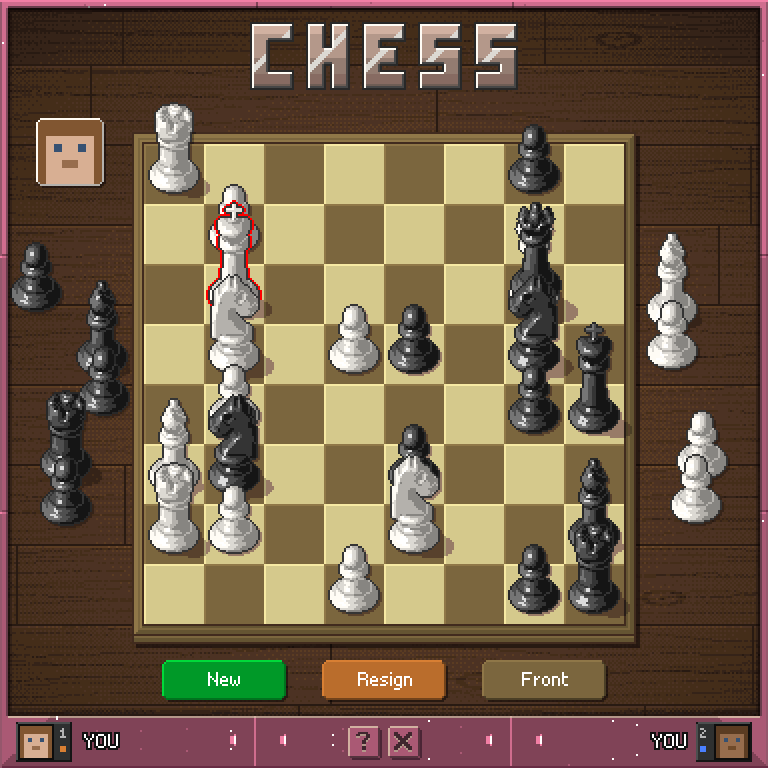
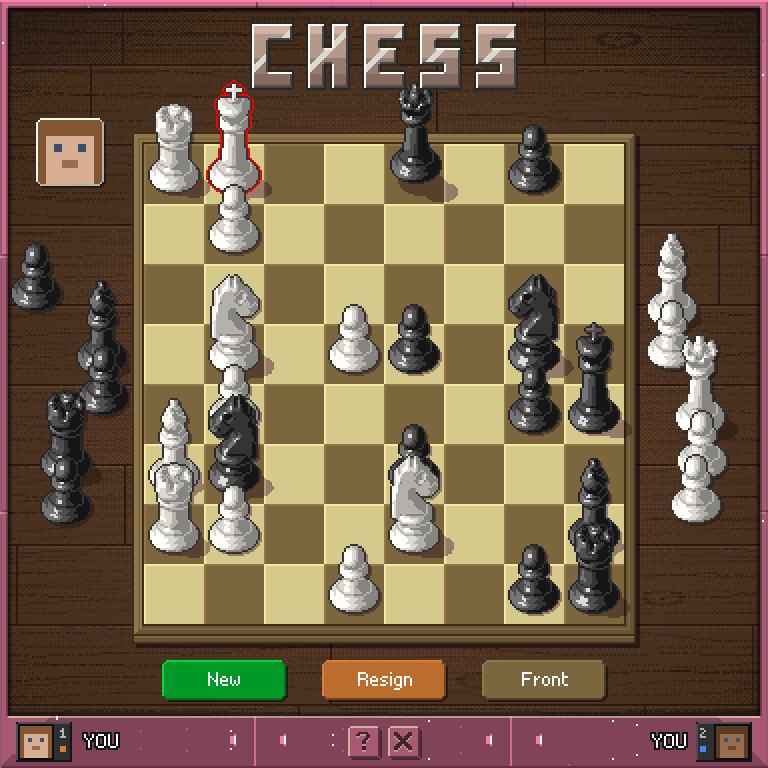
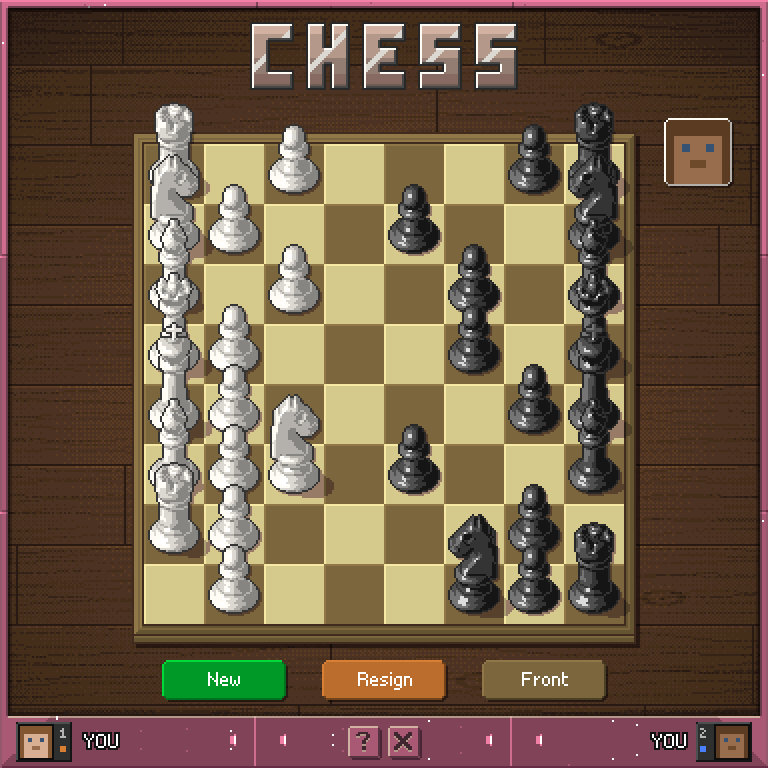
How to play
- White is on the left of the screen, black on the right. P1 is you, the player who opened the app, and plays white; white moves first. A second player joins by clicking the screen and takes black.
- Only the player whose turn it is can move, and only that player can press Resign.
- Tap a piece to lift it. It rises off its square and wears a gold outline, and its legal moves light up: green corners for a quiet move, red corners for a capture, with a red outline on the piece you would take. A piece with no legal move does not lift.
- Tap a lit square to play the move. The piece arcs over and lands, and a captured piece flies to the pile of the player who took it.
- Tap the lifted piece again, or any square that is not lit, to put it back.
- Pieces move and capture as in standard chess, including castling (the king moves two squares toward a rook) and en passant (a pawn captures onto the square an enemy pawn passed through).
- When a pawn reaches the far rank, your pile turns into a picker of Q, R, B and N. Tap one to promote, or tap the pawn again to take the move back.
- A king in check wears a red outline. You cannot make a move that leaves your own king in check.
Ending the game
- Checkmate wins the game.
- Stalemate, or fifty moves without a capture or a pawn move, is a draw.
- Resign gives the win to your opponent.
Scoring
Each side shows its player's record - wins, draws and losses. The record follows the player, not the colour, and New keeps it. The player whose turn it is wears their face at the top of their column.
Controls
Tap a piece        lift it and light its legal moves
Tap a lit square   play the move
Tap the pawn       cancel a promotion
New                deal a fresh game
Resign             give up the game
Front / Side       turn the board to the other view
? / X              help / leave the game