Go on. Press something.
Sign in, pick a game from Home, and make yourself comfortable.
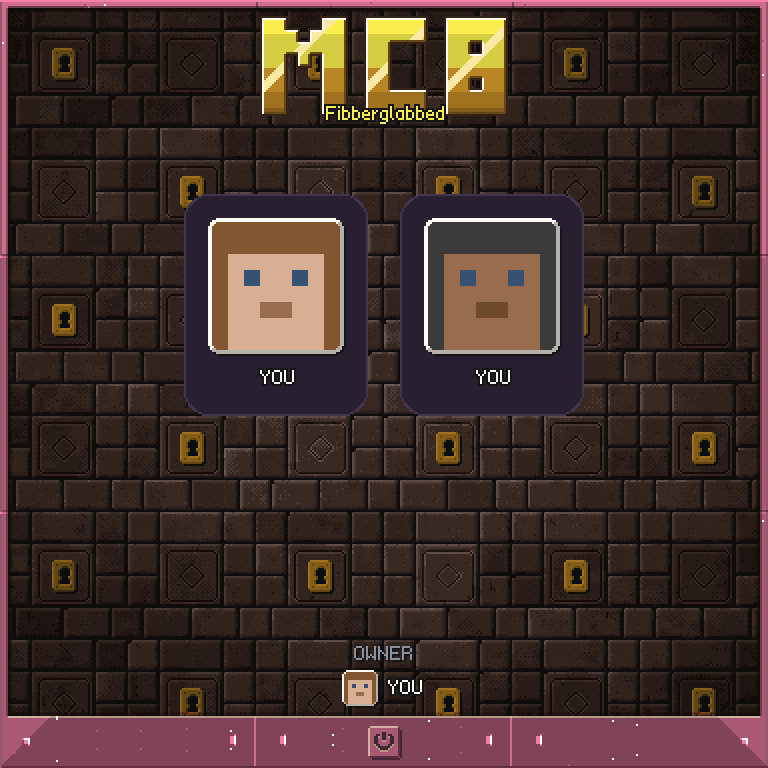
Click your own card on the login screen, then click an app to open it. Aim at the screen to use its buttons. Some games use your hotbar keys too; open the app's help for its controls.
What are you in the mood for?
Try to keep the ball alive in Pinball, bomb a path through Blast, or puzzle out the word in Guess. Your best scores stay on this server, even after a restart or a move to another computer.
Not feeling competitive? Paint a picture and export it to maps. Leave someone a private message for when they return, or sign the guestbook so the next visitor knows you were here.
Two players, one wall.
Bring a friend for chess, checkers, go, reversi or boxes. P1 is you, the player who signed in; your friend joins as P2. You take turns at the same screen.
On a public screen, anyone can sign in. After a minute without activity, anyone can press LOG OUT and take a turn. The screen resets after ten idle minutes. Signing in at another kiosk logs you out of the previous one.
Build your own
- Get your computer core. Ask your server operator if you have lost it.
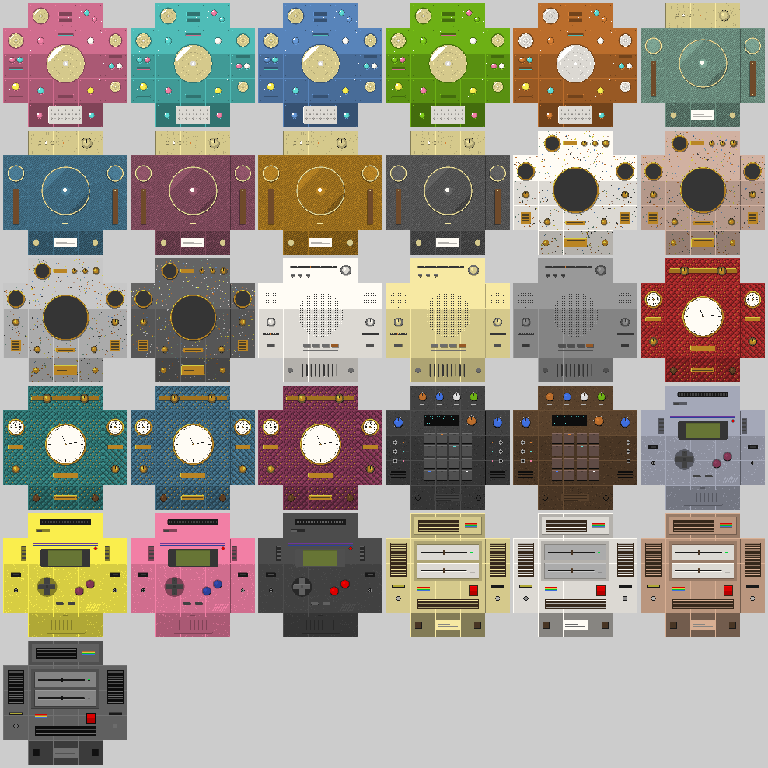
- Check the core's tooltip for the eight parts. Build them into a 3x3 wall, leaving the middle empty; the parts can go in any order.
- Place the core in the gap. The computer assembles, boots up and asks you to sign in.
Pick a cabinet in Themes to finish it off. Important computing deserves a nice case.
If your server does not have mc8 yet, send your operator this way. There is nothing for you to install.