Calc
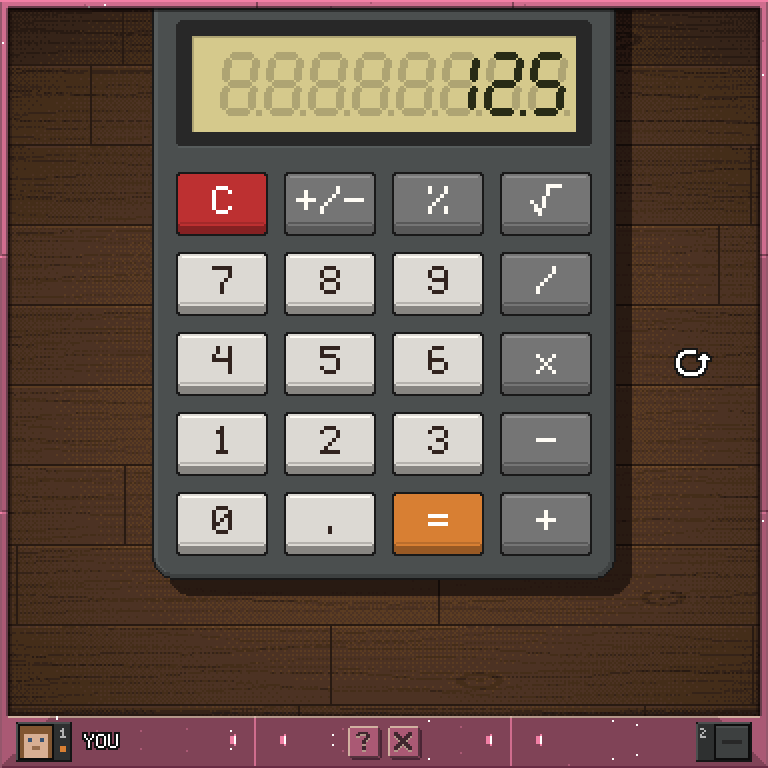
A desk calculator with big keys: add, subtract, multiply, divide and take square roots, with eight digits on the glass.
Calc
Screenshots
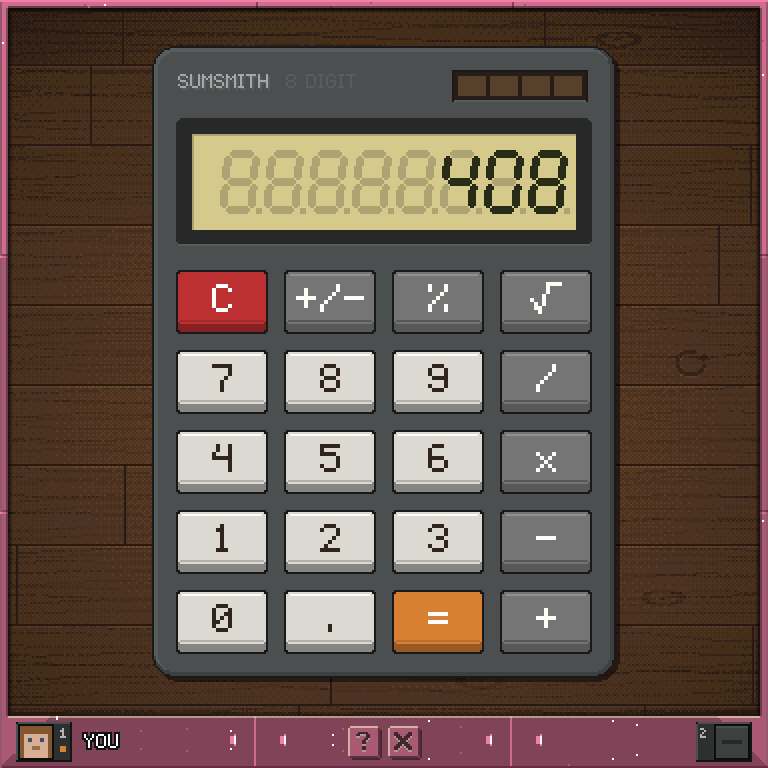
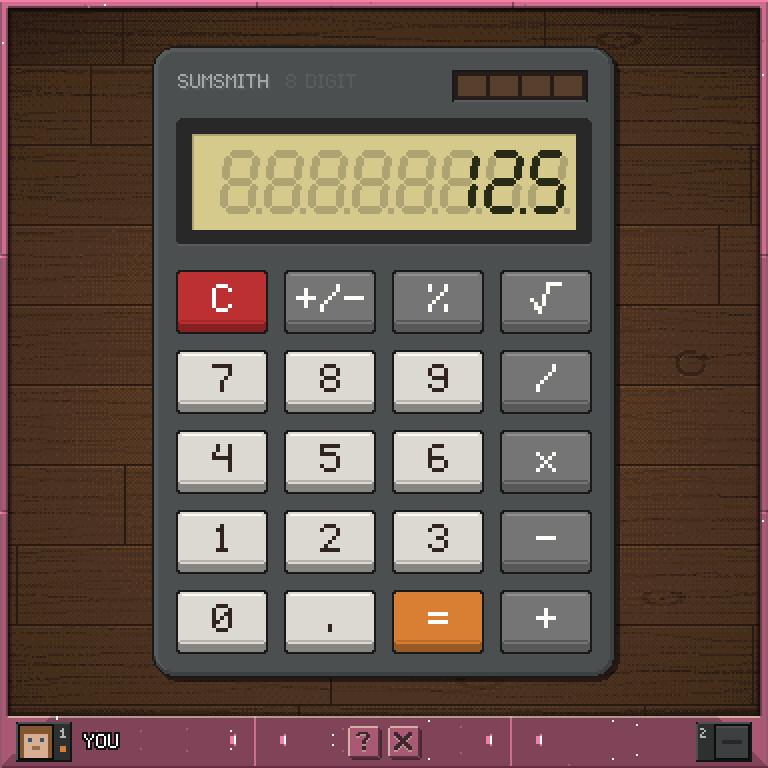
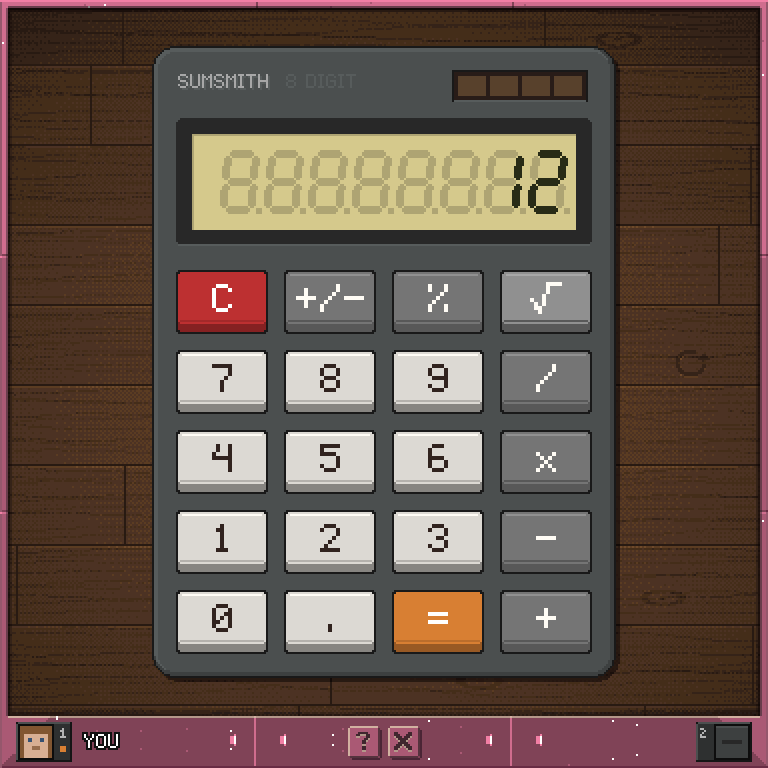
How to use it
- Tap the keys the way you would on a real desk calculator. It works left to right with no precedence:
2 + 3 x 4 =gives 20. - Press
=again to repeat the last operation:5 + 2 = =gives 9. +/-flips the sign of the number showing,%divides it by 100, and the root key replaces it with its square root.- A result too big for the glass, a division by zero or the root of a negative number shows
Error. PressCto clear it. Cclears the number you are typing; press it again to clear everything.
The turn mark
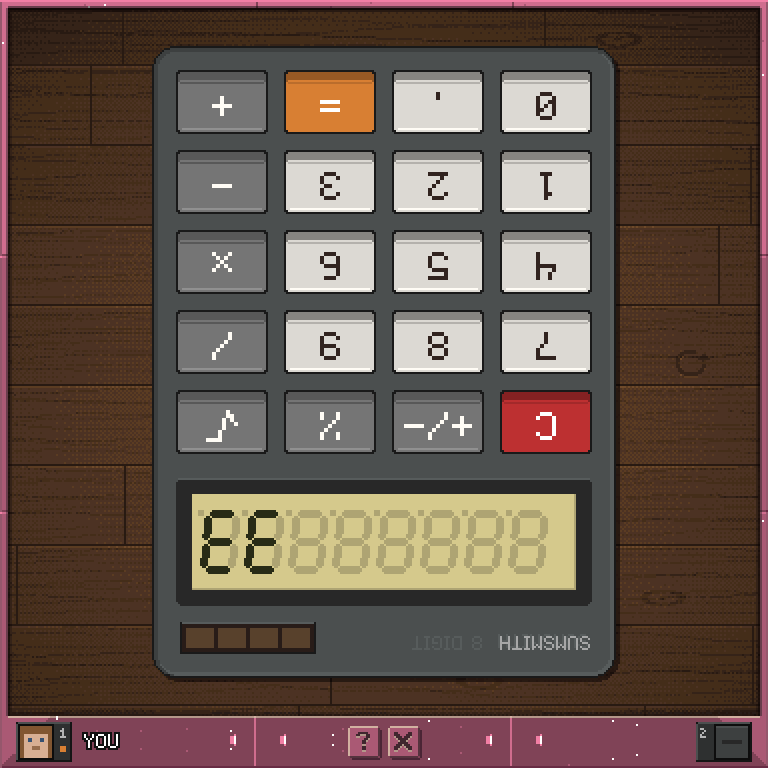
There is a small curved arrow carved into the desk to the calculator's right. Tap it and the calculator is picked up and turned over. Tap it again to turn it back.
Controls
Click a key         press it
Click the arrow     turn the calculator over
Exit                leave the app
Your number and which way up the calculator lies are kept when you leave.