Todo
A noticeboard on the wall: aim at it, type a line in chat, and it is pinned to the top of your list.
Todo
Screenshots
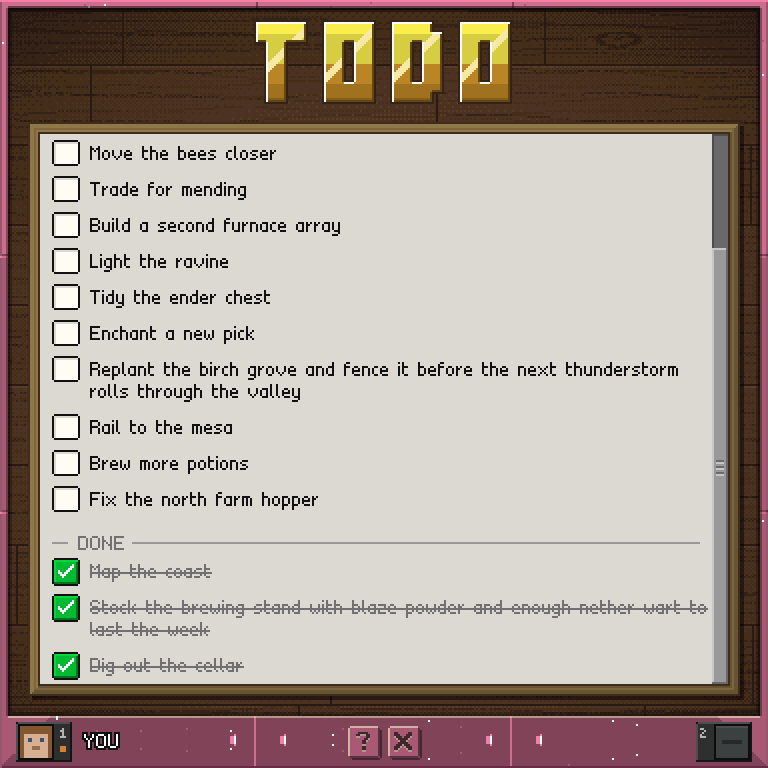
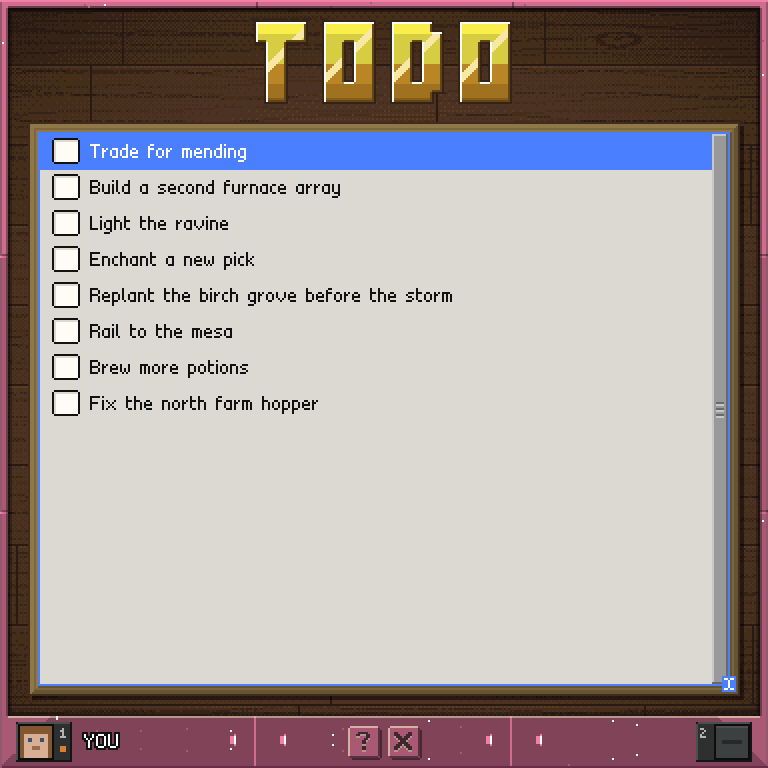
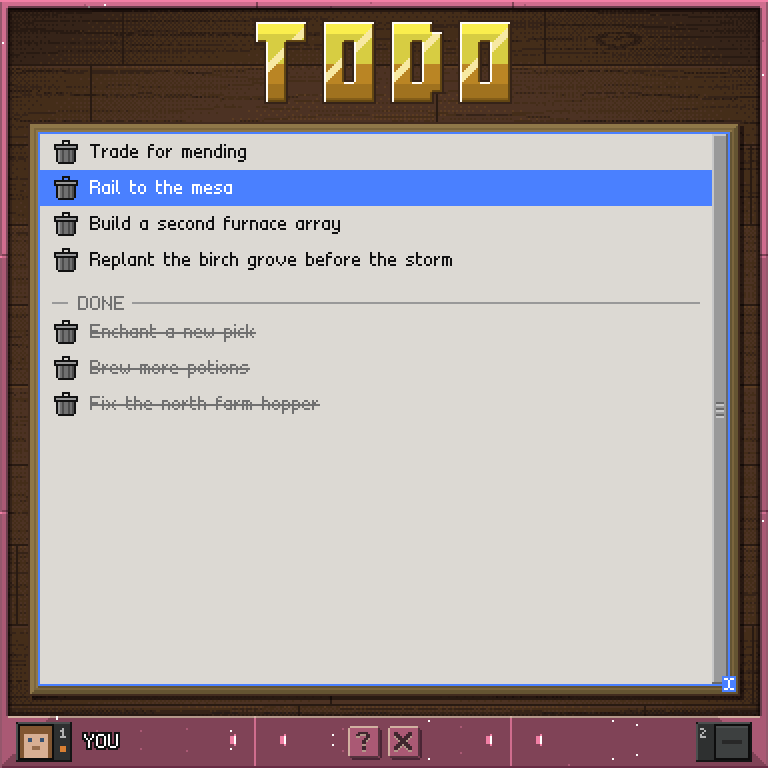
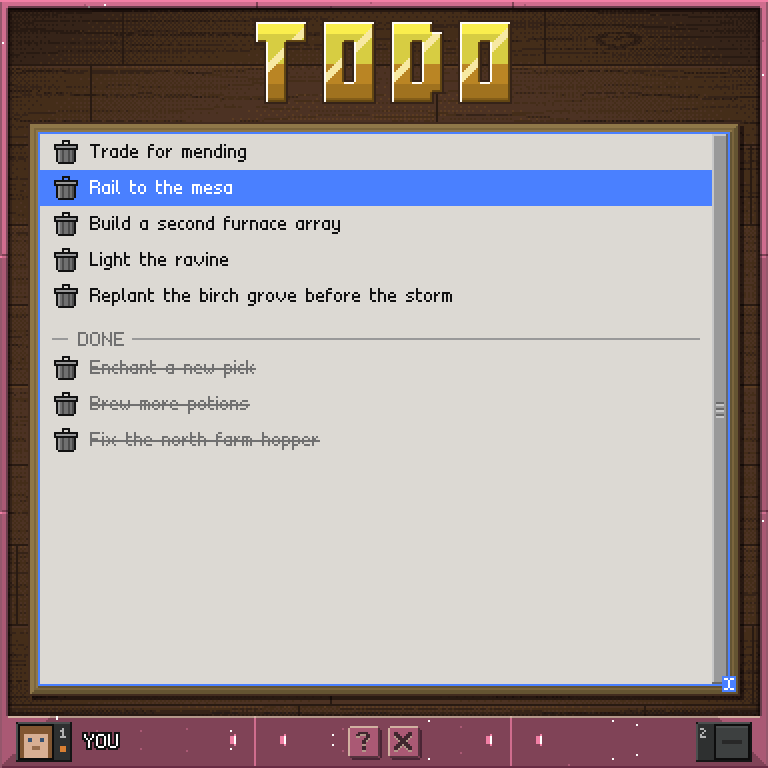
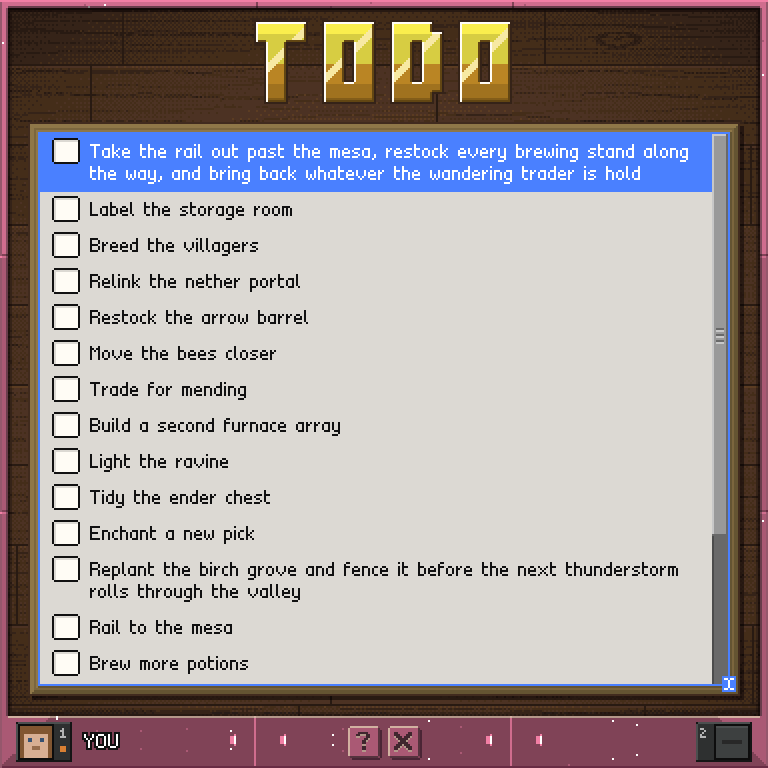
Finished items drop into a DONE band below.
How to use it
The whole board is the field: aim anywhere on it and the next line you type in chat becomes an item. It is your own board, kept for you between visits, and you can also add to it from anywhere with /todo <text>.
- The line you type is the item, added the moment it arrives. There is no ADD button, and the new item is selected.
- Check a row's box to finish it. After a second it drops to the top of the DONE band, under the divider. Uncheck it to bring it back to the end of the live items.
- Tap anywhere else on a row to select it; tap it again to deselect. The selection is what the reorder below moves.
- Scroll the list with the wheel, or use the track beside the board.
- Your list holds up to 512 items. A line longer than 128 characters is cut to fit rather than refused.
Hold shift: delete and reorder
- Every checkbox becomes a trash icon. Tap one to throw that item away - no selection needed.
- The wheel now moves the selected item: scroll up moves it up, scroll down moves it down, within its own band. Release shift to scroll the list again.
Controls
Type on the board     the line is the item - no ADD button
Check a box           finish the item, or bring it back
Tap a row             select it; tap again to deselect
Scroll track          a page up / a page down
Wheel                 scroll the list
Shift + wheel         move the selected item
Shift + tap a row     throw that row away
Exit                  leave the board