How to play
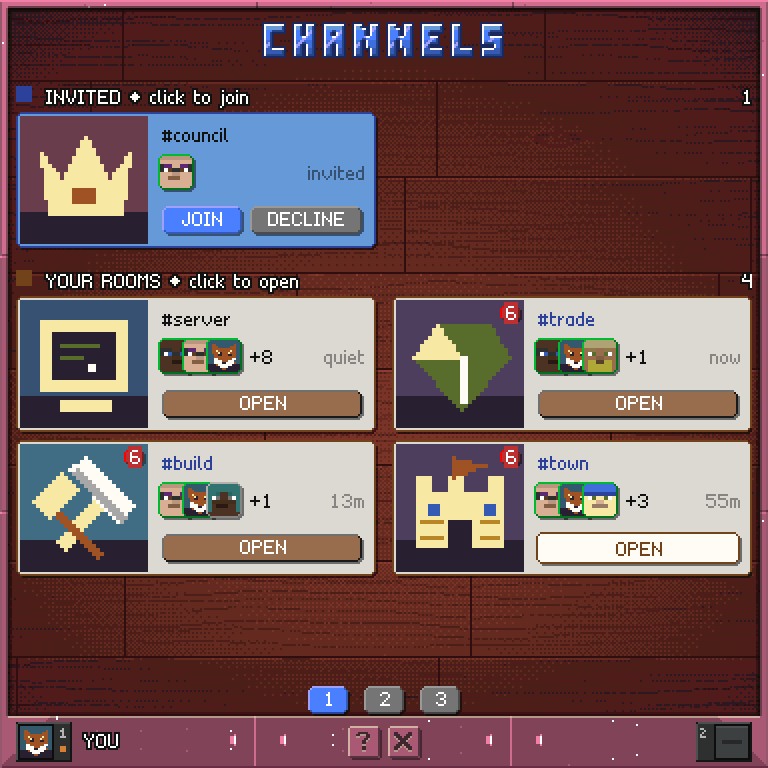
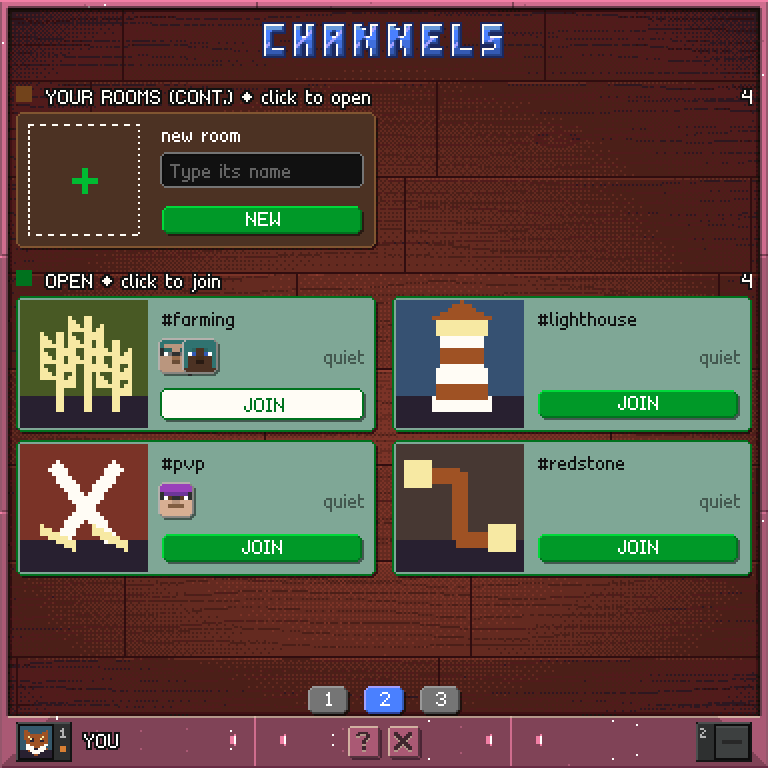
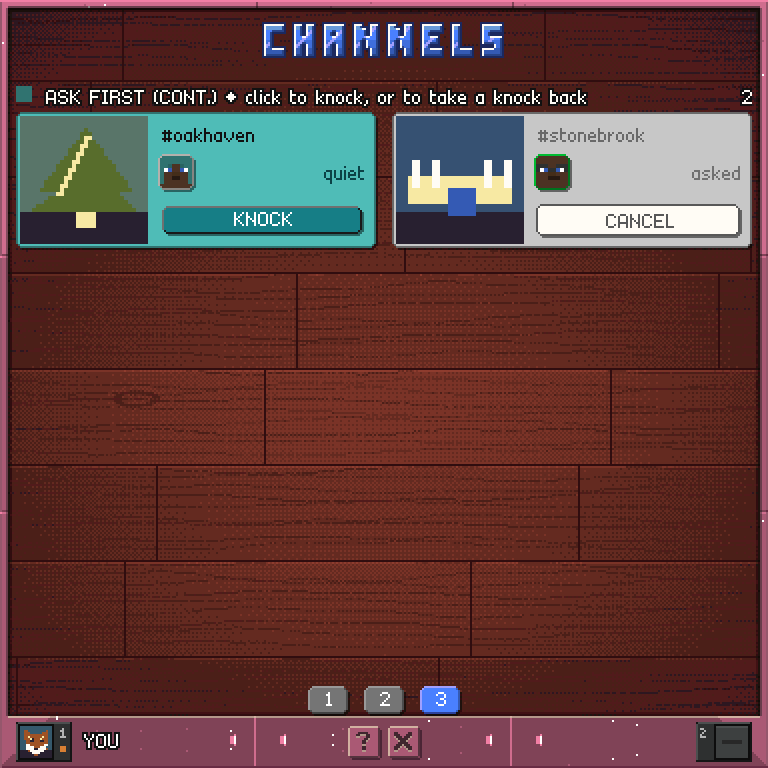
- Rooms are grouped under headings: invited, your rooms, open and ask first. Each heading says what a click does.
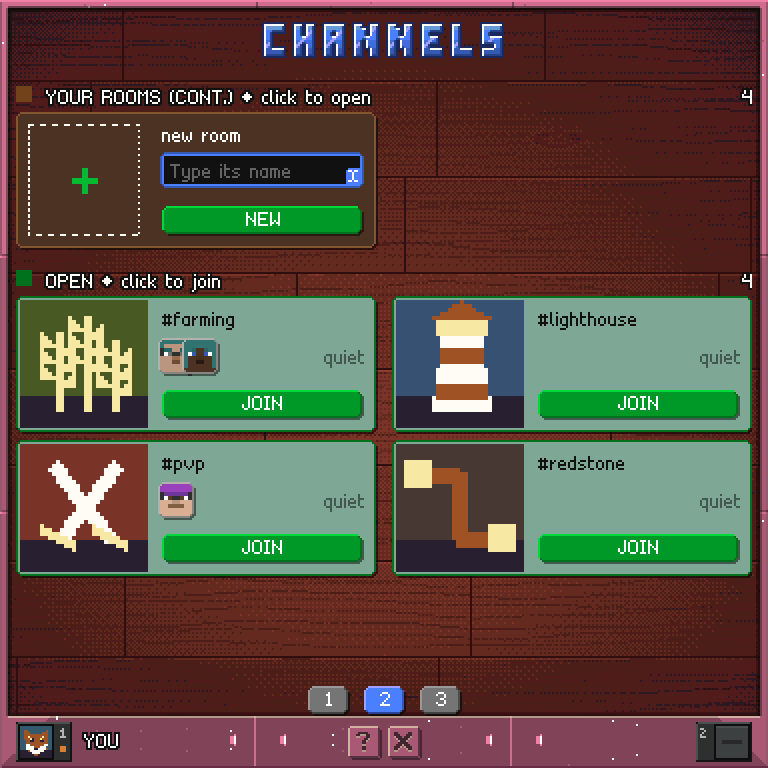
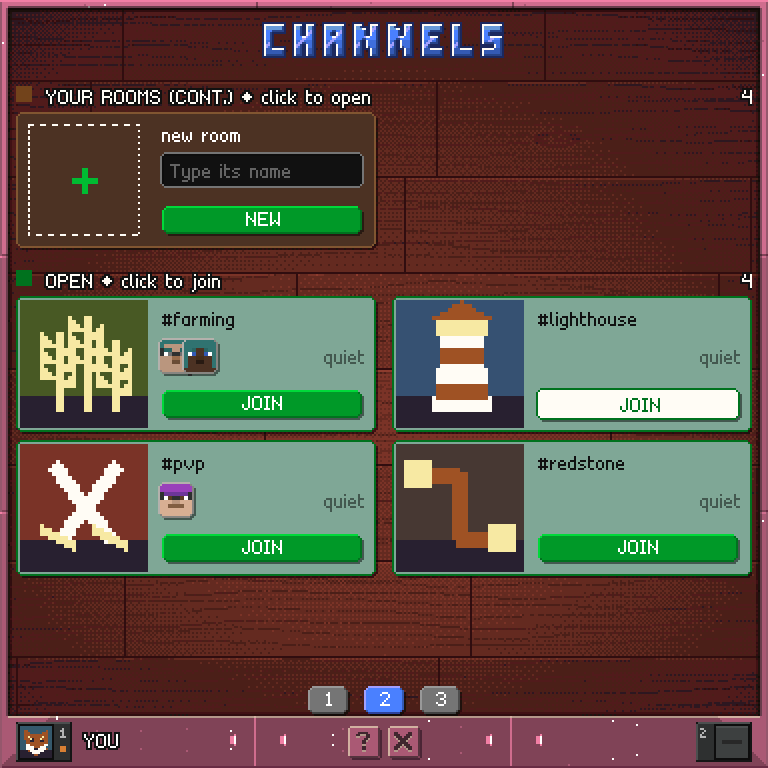
- A card is a room: its picture, its name, the faces of who is in it (online members ringed in green, then a count) and how long since anyone spoke.
- A card's colour says where you stand, and its button says the one thing it does:
- OPEN - you are in the room, and the button opens it in chat;
- JOIN - you were invited, or anyone may walk in;
- DECLINE - turn down an invitation. Nobody is told, and you can be invited again;
- KNOCK - a member has to let you in, and the button knocks;
- CANCEL - you have knocked, and the button takes the knock back.
- A red number on a picture is how many messages you have not read.
- Click anywhere on the card of a room you are in to open it. On any other card, only the button answers.
- A room nobody has drawn a picture for wears a pattern made from its name. To give it a picture, draw a map in paint, then right-click the picture on the room's details page in chat with the map in your main hand.
- The last of your rooms starts a new one: point at it and type the name in Minecraft chat. Use letters and digits only; the
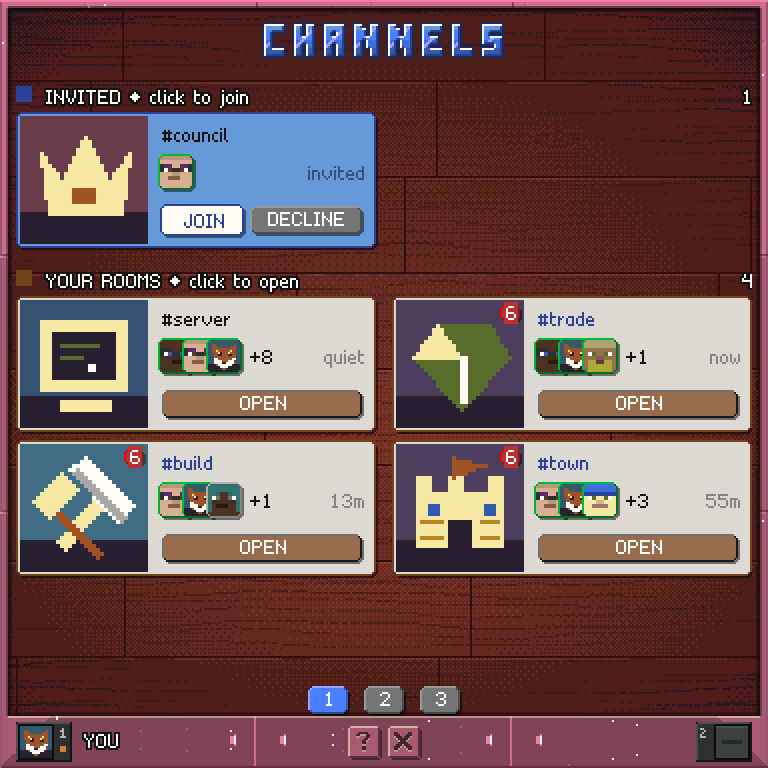
# is added for you. The new room is public and you are its first member. - Rooms run over more than one page. Scroll the hotbar to turn pages, or click a numbered button along the bottom to jump to a page.
Controls
Tap OPEN / JOIN / KNOCK   open, join or knock on a room
Tap CANCEL                take a knock back
Tap DECLINE               turn an invitation down
Tap your room's card      open the room
Point at New + type       start a room (type in Minecraft chat)
Scroll the hotbar         turn the page
Numbered buttons          jump to a page
? / X                     help / back to chat, or to the launcher