Screenshots
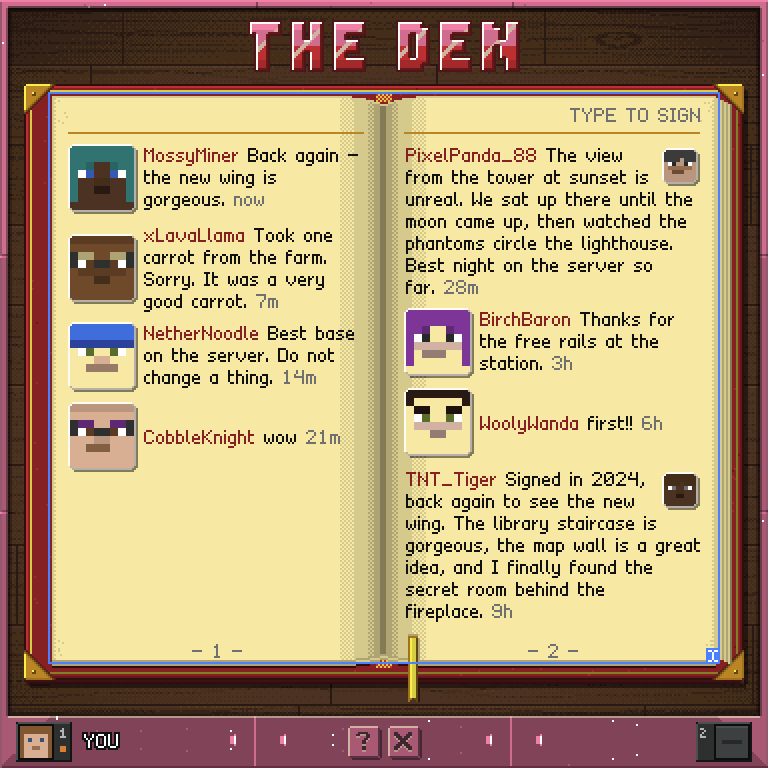
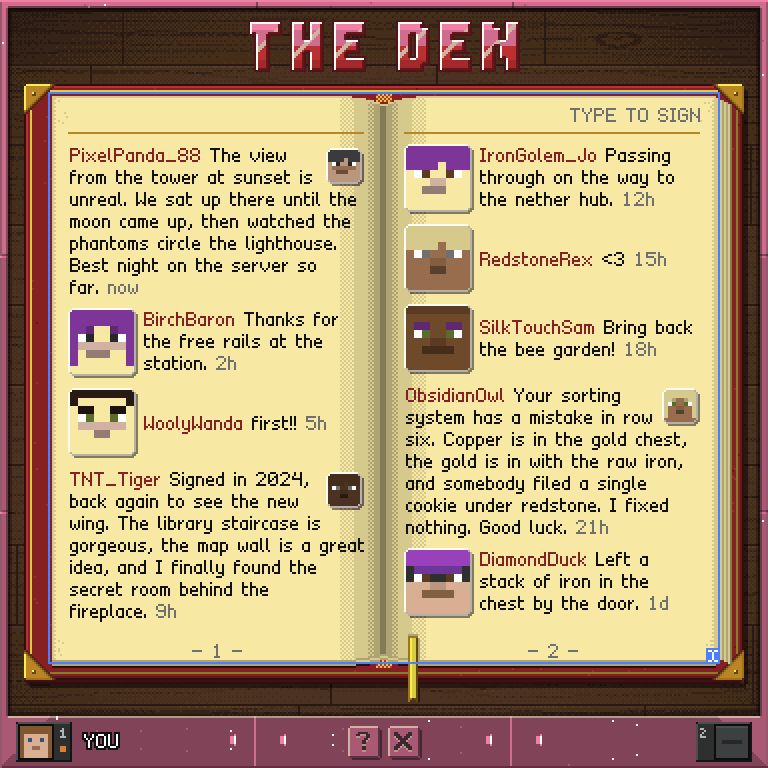
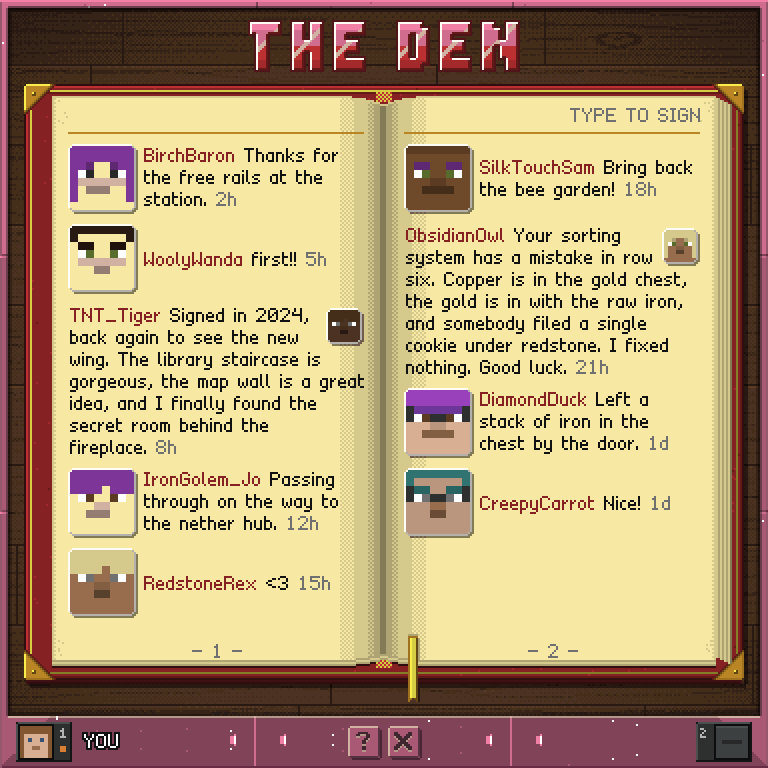
How to play
- The whole open book is the place to write. Point at the pages and type a line in Minecraft chat; you have signed the book under your own name. There is no button to press first.
- Each visitor gets one entry per book. Sign again and your line is replaced and moves back to the front.
- A signature is one chat line, up to 256 characters. If it would fill more than ten lines of the page, it is cut at the last whole word that fits and the book says TRIMMED TO 10 LINES.
- Anyone can turn the pages and sign. The wheel turns pages too.
- A signature's author, the book's owner and server operators can erase it. Crouch to show a bin over its face, then left-click the bin. The signature disappears for good, but its author may sign again.
- Only the owner - the player seated at the screen - can leave the book, with the X in the dock.
The shelf
The owner's books lie in a stack, spine out, up to eight. Each spine shows three buttons, and pointing at one tells you what it does:
- The open book opens it. Clicking anywhere else on the spine opens it too.
- The pen renames it.
- The red bin deletes it, after asking. Its signatures go with it.
The outlined book on top of the stack starts a new one. Naming, renaming and deleting happen on a small card over the stack: type the name in Minecraft chat, then press OK, or CANCEL to back out. Names use letters, digits and ordinary punctuation, and each book on a shelf needs its own name.
Controls
Click the right page   turn forward
Click the left page    turn back
Point + type           sign the book
Crouch + left-click    erase an entry using the bin over its face
Pen / bin / book       rename, delete or open a book on the shelf
OK / CANCEL            confirm or back out of naming
? / X                  help / owner leaves