How to play
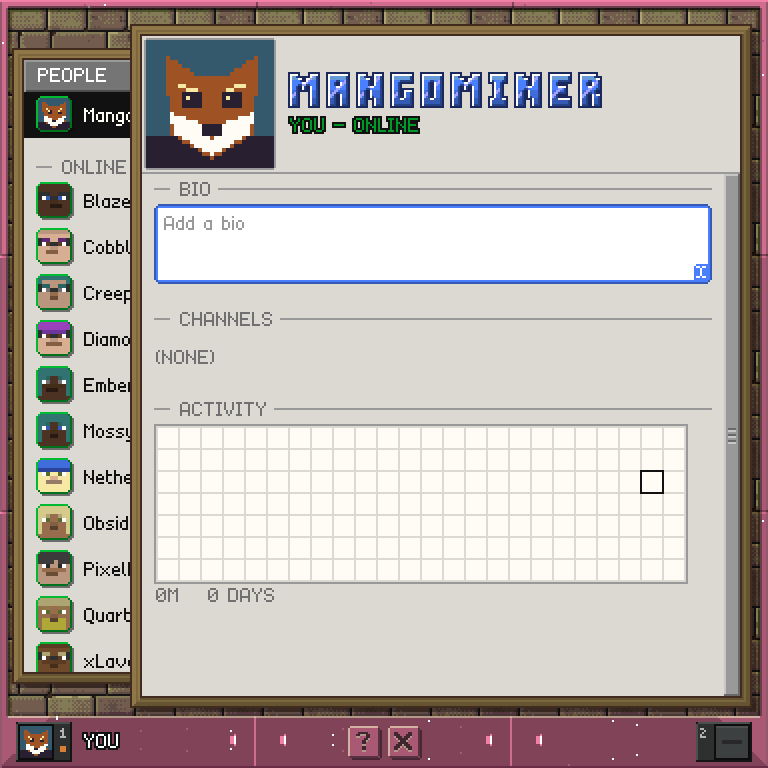
- Your own card opens first. A tray of people is tucked under the left edge of the window: point at it and it slides to the front. It lists you first, then everyone you have starred, then who is online, then everyone else, each group from A to Z. A green dot means the player is online.
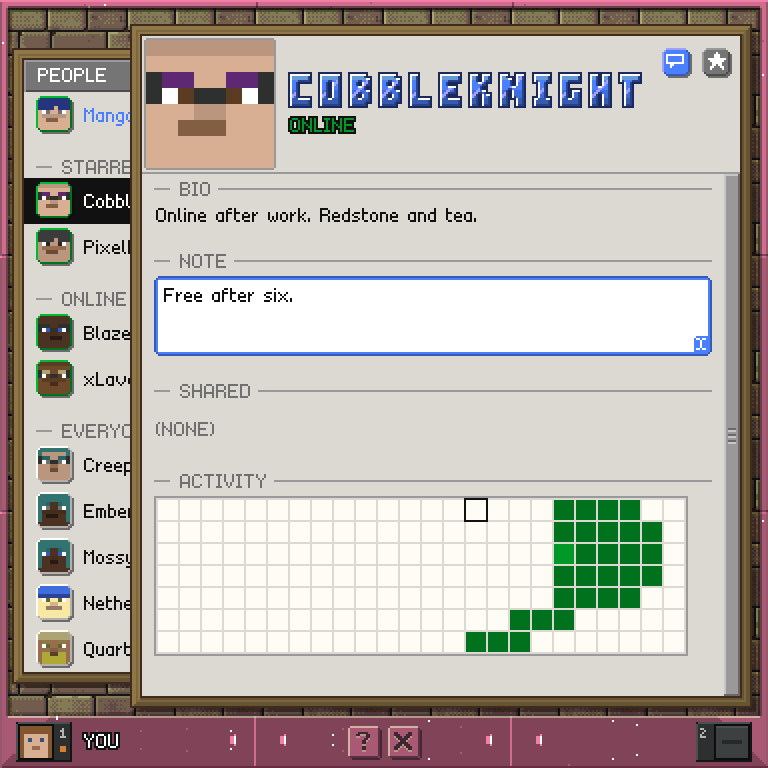
- Tap a person to open their card in the window. The card scrolls as one sheet: their bio, your note about them, the rooms you share and an activity map.
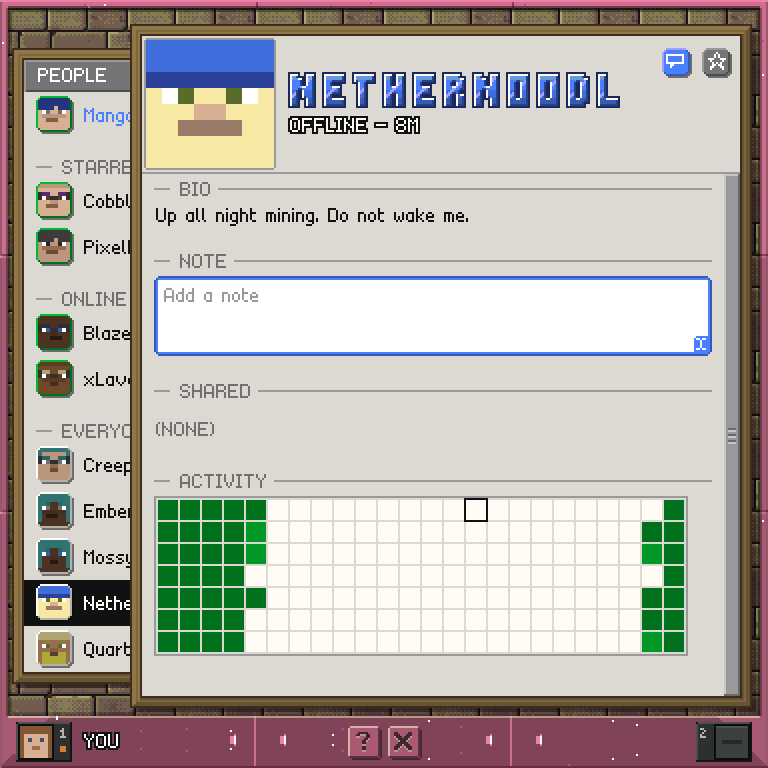
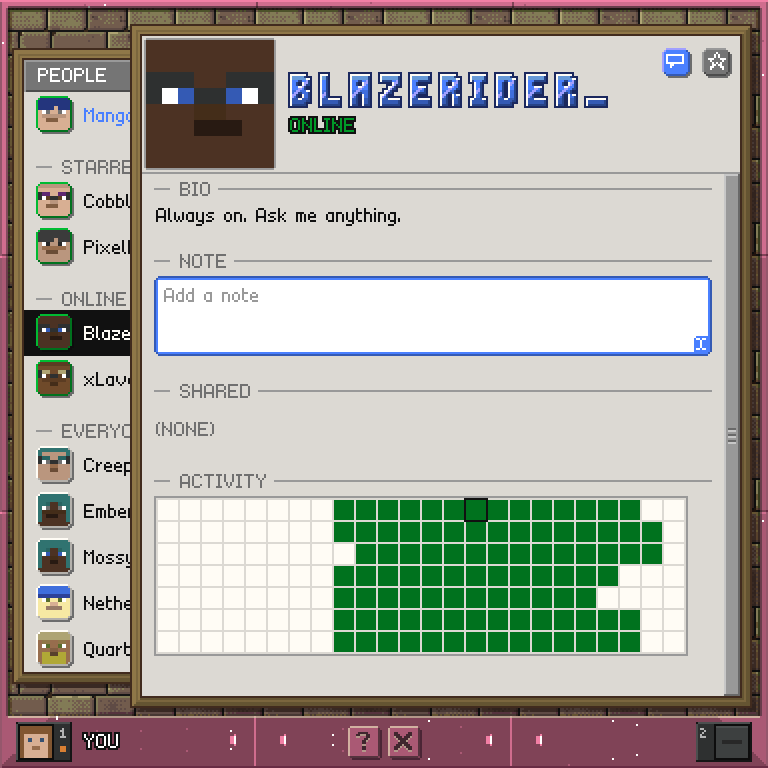
- The top of the card shows their face and name, and whether they are online or when they were last here.
- The star button at the top of a card is yours alone. Starring a player marks a favourite and moves them up the list. Nobody else can see your stars.
- The message button, beside the star, opens Message on that player. It starts an empty conversation if you have none.
- A note is your private text about a player. Point at the note field and type a line in Minecraft chat to set it. Nobody else sees it.
- The bio is the one thing that is public. Your own card has a bio field in place of a note; point at it and type to set it. Every other player sees it on your card, and you cannot edit anyone else's.
- A note or bio can be up to 256 characters, the length of a chat line. Longer text is cut short. The field grows to fit what you write.
- A shared room on a card is a shortcut: click it and chat opens on that room.
- The activity map shows when that player is usually on the server. It has one cell for each hour of the week, in UTC, and a stronger shade means more minutes online in that hour. The current hour is ringed. On your own card the line under it is your total play time.
Controls
Tap a person          open their card
Tap the star          star or unstar them
Tap the message icon  open a conversation with them
Point + type          write a note, or your bio on your own card
Tap a shared room     open that room in chat
Scroll the hotbar     scroll the card, or the tray you are pointing at
? / X                 help / leave the app