How to play
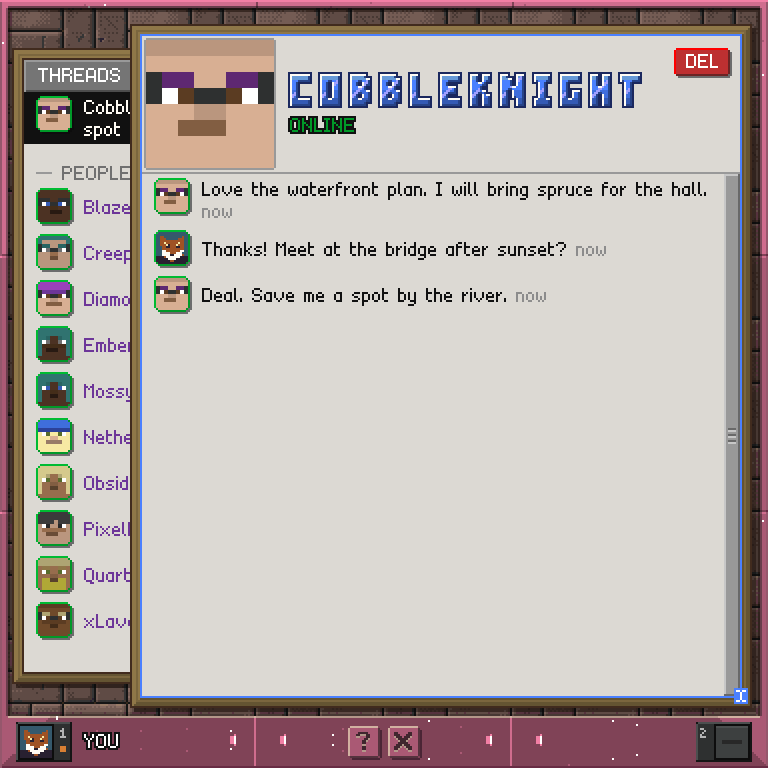
- Every message you swap with a player lands in one conversation with them, so a long back-and-forth stays in one place. Messages are private to the two of you
- the app shows only your own message box.
- The conversation you were last in is open in the window. A tray of conversations is tucked under its left edge: point at it and it slides to the front. It lists each conversation, newest first, then a People heading with everyone you have not messaged yet. A red dot means unread messages.
- Tap a conversation to read it, oldest message first. A rule marks where the new messages begin. It counts as read once you have scrolled down to it.
- Tap a person to start an empty conversation. The first line you type is your first message.
- To reply, point at the conversation and type a line in Minecraft chat. It is sent to that player straight away; there is no compose page.
- The top of the window shows who you are talking to and whether they are
ONLINE, were LAST SEEN some time ago, or are OFFLINE. - Messages reach players who are offline too. They are waiting in the message box when that player next logs in.
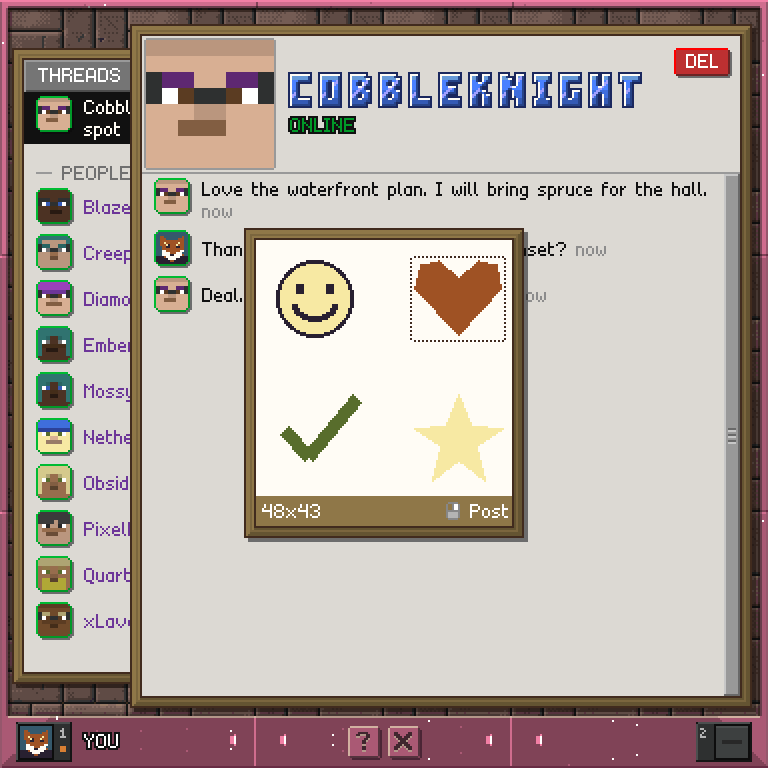
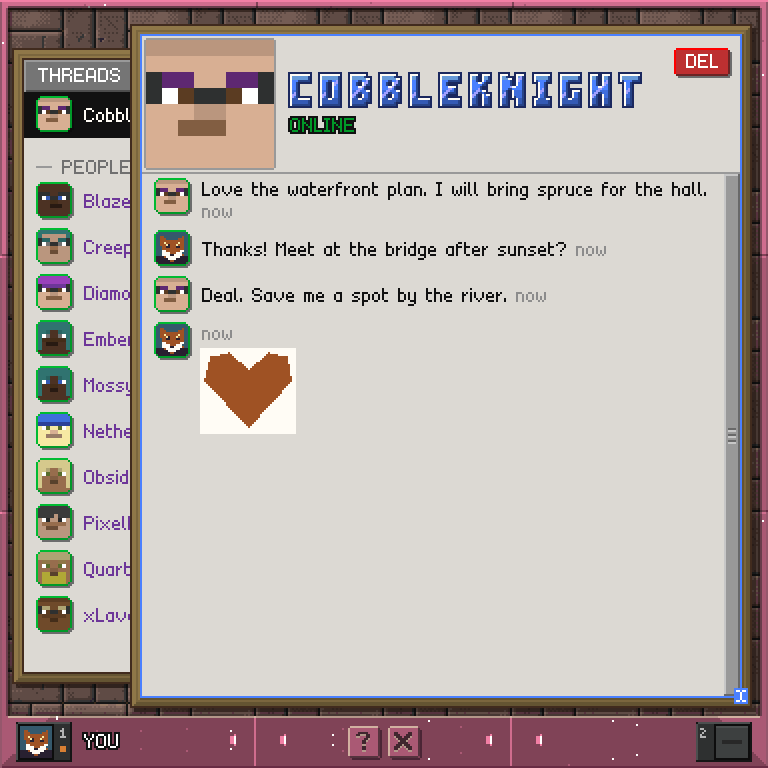
- To post a picture, hold a filled map in your off hand. A picker opens over the window: left-click sends the picture, and right-click then press again crops it first. Your last picture is replaced, not added to, if nobody has answered it.
/msg <player> <message> also sends a message, online or not. @ selectors reach online players only. A name starting with # is a chat room, not a player./r <message> replies to the player who messaged you most recently, even if they have logged off. /r on its own tells you who that is.- DEL removes the open conversation from your own message box. The other player keeps theirs.
Controls
Tap a conversation   open it
Tap a person         start a conversation with them
Point + type         type a line in Minecraft chat to send it
DEL                  remove this conversation from your message box
Scroll the hotbar    scroll the conversation, or the tray you are pointing at
/msg, /r             message a player, or reply to the last one
? / X                help / leave the app